New Home Technology Checklist: WiFi, TVs and Smart Devices

The couch has arrived. The boxes are everywhere. And the WiFi seems to work only next to the laundry room.
A little planning can make the technology side of moving much easier. Before buying new equipment, take stock of the house, your existing devices and the rooms where you actually need reliable service.
Before moving day
Confirm the internet installation date and where service enters the home.
List the TVs, computers, printers, streaming devices and smart-home products you are bringing.
Photograph equipment connections before packing, without sharing passwords or account information.
Label power adapters and cables so the right parts stay together.
Decide where work calls, streaming and everyday device charging will happen.
During setup
Start with the internet connection and WiFi coverage, then connect the devices that matter most. Test in the actual rooms where you work and relax. Put equipment where it functions well, not simply wherever a box happened to land.
For TVs and mounted equipment, discuss placement, wall construction, power and cable routing before installation. Mounts, equipment and wiring requirements affect the scope and cost.
Before calling it done
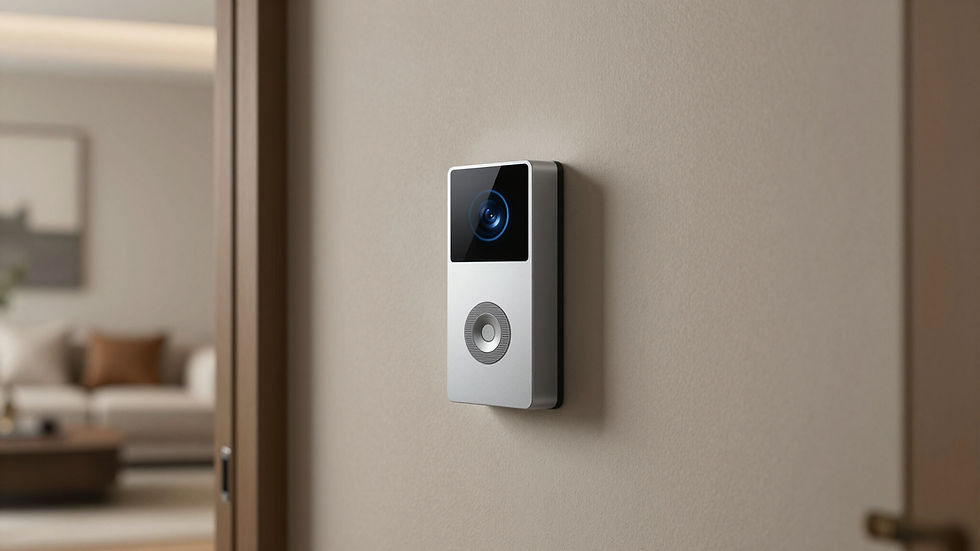
Try a normal day: a work call, your preferred streaming app, a print job and the doorbell. Make sure the people who live in the house understand the setup. Keep account ownership in your name and store your credentials privately.
HomeTech Helper’s New Home Technology Setup typically starts at $300–$600+ for labor. We agree on the scope and price before work begins; equipment, mounts, parts and complex wiring are separate. Tell us about your move and the devices you want connected.
Have existing cable-TV outlets? In a compatible coax setup, MoCA adapters can provide wired networking without running new Ethernet throughout the house. We check compatibility and quote equipment before installation. Every service also includes a complimentary Internet Bill & Plan Review to look for possible savings or better value; savings vary.
HomeTech Helper provides patient in-home technology help across DuPage County, with North Shore appointments on Tuesdays and Thursdays. See New Home Technology Setup or request help from John. Every service includes a complimentary Internet Bill & Plan Review; savings vary.

Comments